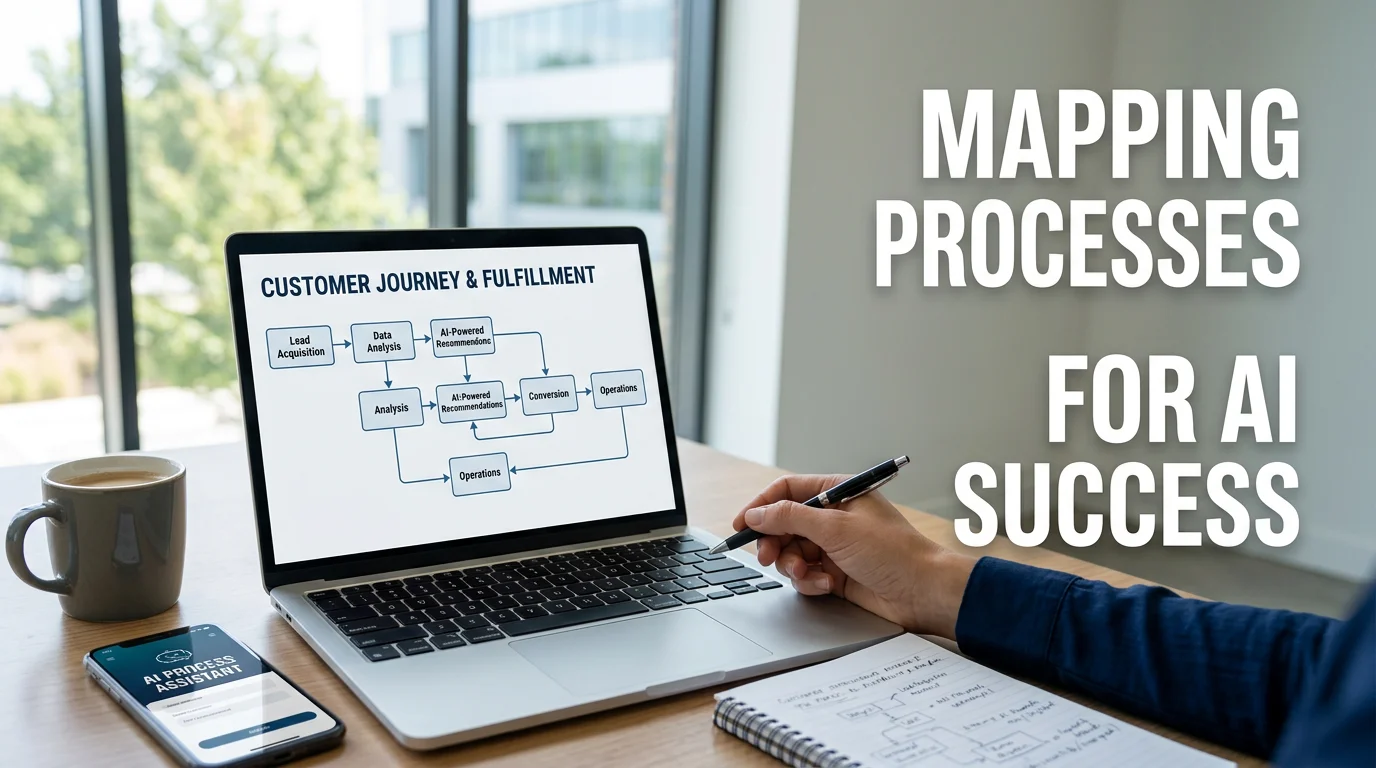
The sequence matters: map your processes first, then let AI handle what’s actually ready.
The most common misunderstanding about AI and operations is the sequence.
Most founders assume the sequence is: buy AI tools ? operations improve. The actual sequence is: map your processes ? clean your data and systems ? automate the structured work ? apply AI to what requires intelligence. Skip the middle steps and the AI tools do not help. They just add another layer on top of a broken foundation.
This matters because it changes what the question is. The question is not “what AI tool should I use?” It is “which parts of my operation are ready to be handled by a system, and what does that system actually do?”
What AI Can Realistically Replace
The categories of operational work that AI handles well are more specific than the marketing around AI tools suggests.
Structured information processing: Reading, parsing, extracting, and routing information from structured inputs. Invoice data from emails, form submissions into CRM records, intake responses into project tasks, support tickets into the right queue. If there is a consistent input format and a consistent desired output, AI-assisted processing can replace the manual work reliably.
Draft generation for repetitive communication: Proposal drafts, client status updates, onboarding emails, meeting summaries, follow-up sequences. These involve context that is already available in your systems and a consistent format the recipient expects. AI can generate the first draft. A human reviews and sends. The time savings are significant even when the human touch remains in the loop.
Routine customer support responses: First-response handling for FAQs, order status questions, standard troubleshooting paths, and intake qualification. An AI assistant that can read your knowledge base and CRM can handle a meaningful percentage of inbound support volume without human involvement, and it routes the complex cases to the appropriate person.
Data analysis and pattern recognition: Surfacing what is in your data without requiring someone to manually inspect it. Which clients are at churn risk based on engagement patterns. Which projects are falling behind schedule based on task completion rates. Which marketing channels are driving the highest-quality leads. AI does not make the decision: it surfaces the signal so you can.
Scheduling and coordination logistics: Meeting scheduling, deadline tracking, reminder sequences, calendar management. These are high-frequency, low-judgment tasks that consume significant time and are well within AI capability.
The Correct Sequence
The reason AI implementations fail in small businesses is almost always sequencing.
Step 1: Map the process: Before you automate anything, document how it actually works. Not how it is supposed to work. How it works in practice, including the exceptions and the workarounds. A process that is not documented cannot be automated reliably.
Step 2: Clean the data and systems: AI is only as useful as the information it has access to. If your CRM is incomplete, your project tool is inconsistently used, or your client data lives in three different places, the automation layer cannot do its job. Consolidation and data hygiene come before automation.
Step 3: Automate the structured work first: Rule-based automation (If X happens, do Y) handles more of your operation than you probably think. Intake routing, notification triggers, task creation, status updates: these do not require AI. They require workflow automation tools like n8n, Make, or Zapier. This is the foundation the AI layer sits on.
Step 4: Apply AI to what requires intelligence: Once the structured layer is running, AI handles the work that requires interpretation: processing unstructured inputs, generating drafts, analyzing patterns, handling nuanced responses.
Skipping to step 4 without building steps 1 through 3 is why most small business AI implementations underdeliver.
How to Automate Your Business Operations with AI covers this full sequence in more detail.
Five Categories Where AI Has the Most Impact
1. Client onboarding
The typical client onboarding process involves collecting information, creating accounts, setting up projects, sending welcome sequences, scheduling kickoffs, and confirming next steps. Most of this is predictable and repeatable.
An AI-assisted onboarding system can receive a signed contract, trigger the appropriate workflow, send the intake form, create the project in your tool, route the responses, and generate the onboarding summary: all without manual coordination. What remains for a human is the kickoff call and anything that requires judgment about the specific client situation.
2. Internal knowledge retrieval
Team members spend significant time searching for information that already exists somewhere in the organization. Policies, templates, past project work, client history, SOPs. An AI assistant that can read your internal knowledge base can surface this on demand: so nobody has to ask the person who knows.
This is one of the highest-value early applications for most small teams. The setup is relatively lightweight and the time savings are immediate.
3. Proposal and contract drafting
For businesses that produce proposals regularly, AI can generate first drafts from a structured intake. The information about the client’s situation, budget, scope, and timeline already exists: in the sales call notes, the discovery form, or the CRM record. AI can synthesize that into a draft that the salesperson edits rather than writes from scratch.
The same applies to standard contracts, statements of work, and engagement letters. The judgment remains with the human. The generation work shifts to the system.
4. Reporting and insight synthesis
The data about your business exists. Pulling it together into a coherent picture of what is happening and what it means has typically required manual effort.
AI can read your project data, financial data, and client data and generate a summary that answers the operational questions you actually have: without someone spending hours building it. The AI Operations Dashboard for Founders approach is part of this: surfacing the picture rather than requiring you to construct it.
5. First-line client communication
Not every client message requires a senior person’s response right away. Status check-ins, scheduling requests, document retrievals, and FAQ answers can be handled by an AI assistant that has access to the relevant context.
This does not mean removing the human from client relationships. It means removing the human from the high-volume, low-complexity communication layer that currently consumes their time.
What AI Cannot Replace
There are categories of operational work where AI does not belong in the decision seat.
Judgment calls with real stakes: Decisions that require weighing context, relationships, and nuance. AI can surface relevant information and generate options. It should not be the one deciding.
Relationship management: The work of understanding a client’s actual situation, managing expectations through difficulty, and maintaining trust. These are human activities. AI can support them (drafting, briefing, scheduling) but cannot substitute for them.
Creative and strategic direction: What the business should be doing, how the offer should evolve, where the opportunity is. AI is a useful thinking partner here but not a replacement for founder judgment.
Exception handling: By definition, exceptions are the things the system did not anticipate. They require a person who can assess an unusual situation and respond appropriately.
The goal is to concentrate your human time on exactly these categories: and remove it from the categories above.
Starting Point
The fastest wins are in the categories where the work is highest-frequency, most structured, and most predictable.
For most founders, that means:
- Intake and routing automation: stop manually processing new requests
- Follow-up sequences: stop manually chasing open items
- Internal documentation retrieval: stop being the answer to questions your systems should answer
- Reporting aggregation: stop manually compiling what the tools already know
These four areas together typically recover five to fifteen hours of team time per week in a business of five to twenty people.
If you want to understand where the specific opportunities are in your operation, an AI operations audit maps your current workflows against what is automatable and sequences the implementation for maximum impact.
Related reading: Why Manual Processes Are Destroying Your Scaling Ability · AI Workflow Automation for Small Businesses · AI Operations for Small Businesses: The Complete Guide
