What it does
I wanted header images that match what a post says. This app reads the post first, works out what the image should show, and returns two editorial-style options sized for where they will be used.
How it works
I paste the post and pick the use: blog header, in-article image, LinkedIn post or social preview. I also pick a visual style, such as cinematic or documentary, and a scene, or leave the scene on auto.
A language model reads the post like an art director briefing a photographer. It returns a concept, a scene, a tone and a short title for the image. The app turns that brief into two prompts with different camera angles and generates both images at the same time. It crops them to the right shape and hands them back as WebP files. The prompts carry fixed rules too: no robots, no gears, no lightbulbs and no stock handshakes.
What it looks like
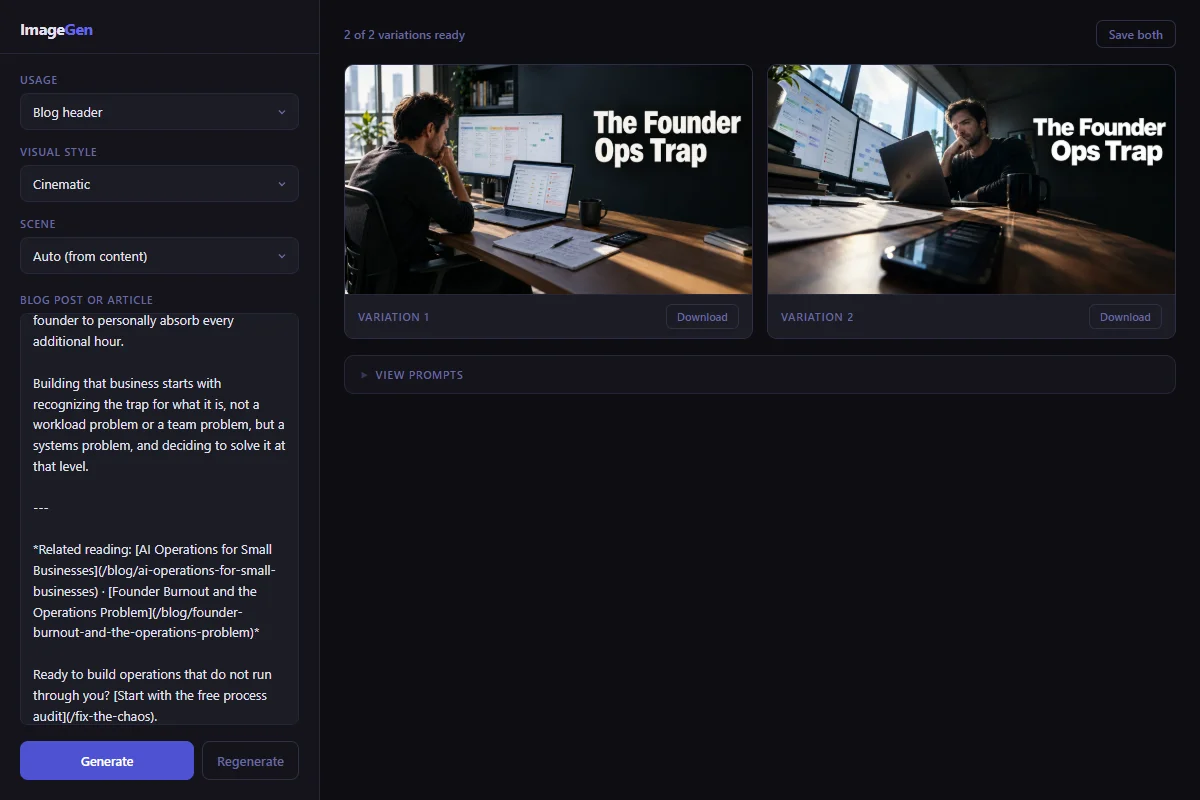
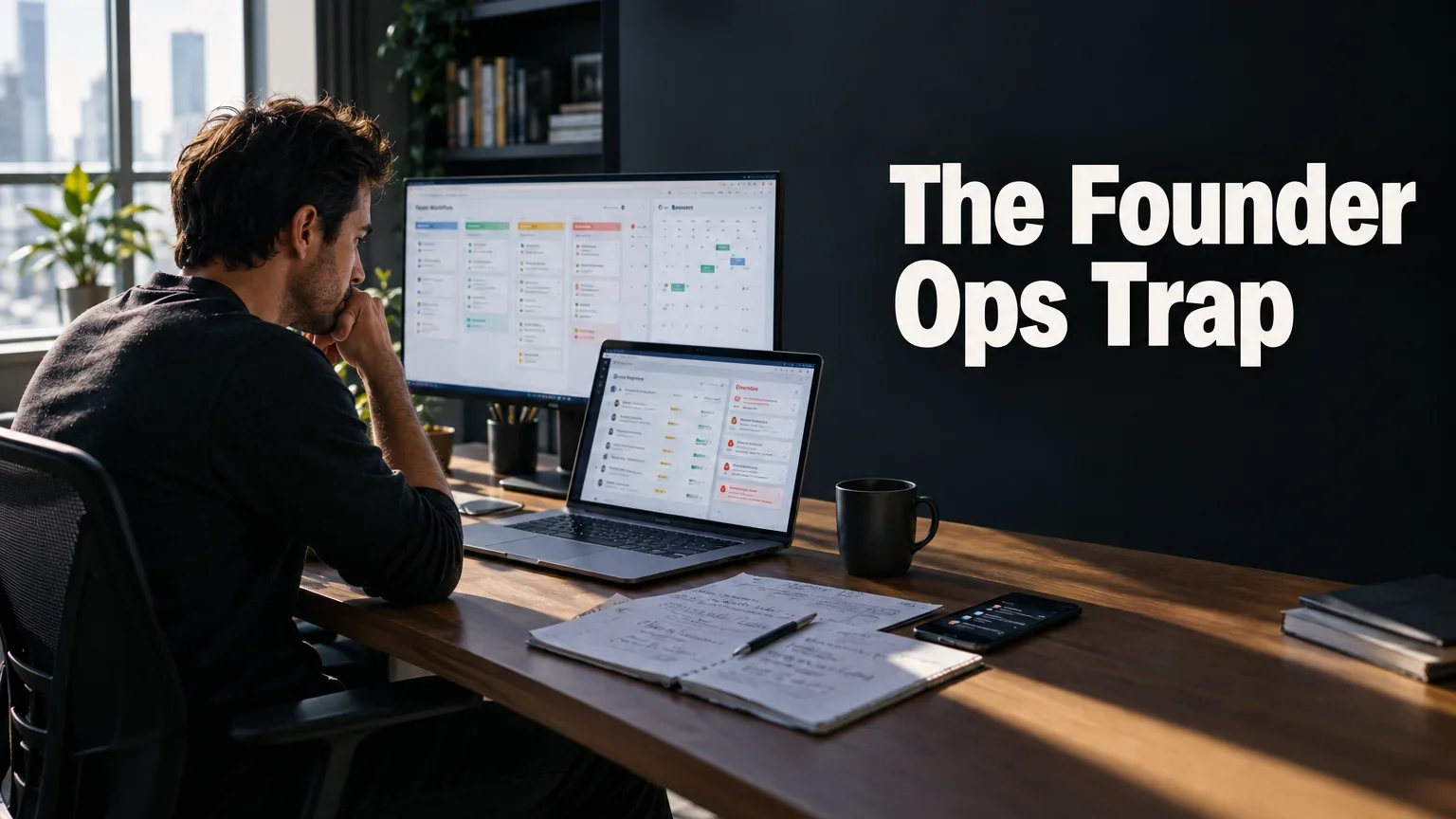
I pasted the post on the founder ops trap and got these two headers back. Here is the first one at full size.